How to Split PDF Files Securely in Your Browser Without Uploading to the Cloud
The Hidden Danger of Traditional Online PDF Splitters
We've all been there: It is 11 PM, a critical contract, tax document, or medical report needs to be separated into individual pages, and you search for an online PDF tool. You drag and drop your file, wait for a painfully slow upload bar, download the result, and close the tab. But have you ever stopped to wonder where that sensitive file actually went? Most online PDF utilities upload your private data to remote cloud servers where it sits on third-party hard drives, vulnerable to data breaches, unauthorized scanning, and privacy leaks.
For freelancers, remote professionals, and everyday privacy-conscious users, this is an unacceptable security risk. Your documents belong to you—not to a corporate server farm halfway across the world.
Meet PDFRego: The 100% Privacy-First Solution
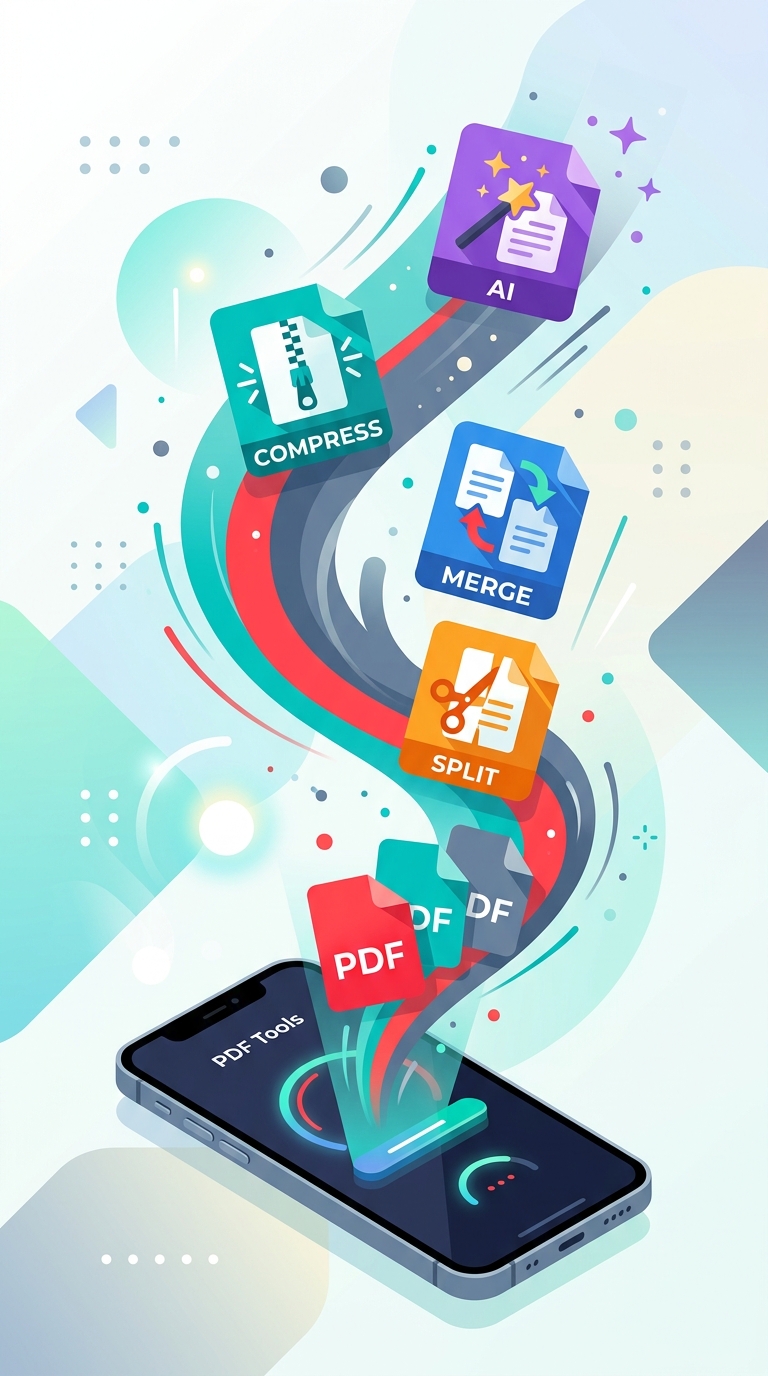
At PDFRego, we completely reimagined how online document management should work. By leveraging modern WebAssembly and advanced browser capabilities, our split PDF tool processes your files entirely locally on your device. When you select a document on PDFRego's Split PDF Tool, your browser does all the heavy lifting. The file never leaves your computer, never touches a remote server, and disappears from memory the moment you close the tab.
- Zero Uploads Required: Because processing happens locally, split speeds are practically instantaneous—even for multi-megabyte files.
- Complete Data Sovereignty: Perfect for handling NDA-bound documents, financial spreadsheets, and confidential legal briefs.
- No Installation Hassles: No bulky software to download, no plugins, and no mandatory account sign-ups. It works seamlessly across Chrome, Safari, Firefox, and Edge.
Step-by-Step: How to Split a PDF in Seconds
Getting your documents organized shouldn't require an engineering degree. Here is how you can effortlessly extract pages using PDFRego:
- Navigate to the PDFRego Split tool.
- Drag and drop your PDF file directly into the secure browser interface.
- Select the specific page ranges, extract individual pages, or split at designated markers with our intuitive visual preview.
- Click 'Split PDF' and download your newly organized files instantly to your local machine.
"True digital privacy means never having to trust a third party with your sensitive data. With client-side processing, your files remain strictly yours from start to finish." — PDFRego Security Philosophy
Why Local Processing is the Future of Web Tools
As internet users grow increasingly weary of data harvesting and cloud vulnerabilities, client-side web applications represent the gold standard of utility and security. You no longer have to compromise speed for safety, or convenience for confidentiality. Whether you need to separate a 200-page academic journal or extract a single receipt from a consolidated billing statement, doing it locally is faster, greener, and infinitely safer.
Ready to take back control of your workflow? Experience lightning-fast, zero-risk document management today at PDFRego.com.