Why I Stopped Paying for Premium Software to Compress My PDFs

We've all been there. You've just finished putting together a stunning portfolio, a comprehensive pitch deck, or a detailed architectural plan. You export it to PDF, open your email client, attach the file, and hit send. Then, you get the dreaded popup: 'File too large. Maximum attachment size is 25MB.'
My file was 85MB. It was a marketing presentation filled with high-resolution graphics, vector illustrations, and embedded fonts. I had to send it to a potential client who specifically asked for it via email, not a cloud drive link. I was stuck.
I needed a way to compress this PDF, but without destroying the quality of the graphics. I had tried online compressors before, and they usually resulted in blurry text, pixelated images, and a ruined presentation. I refused to send a pixelated mess to a $100,000 client.
Discovering the Perfect Balance
I decided to give PDFRego's Compress tool a shot. I had used them for merging and splitting, but compression is a different beast entirely. Compression requires complex algorithms to analyze the document, downsample images intelligently, and strip out unnecessary metadata without breaking the file structure.
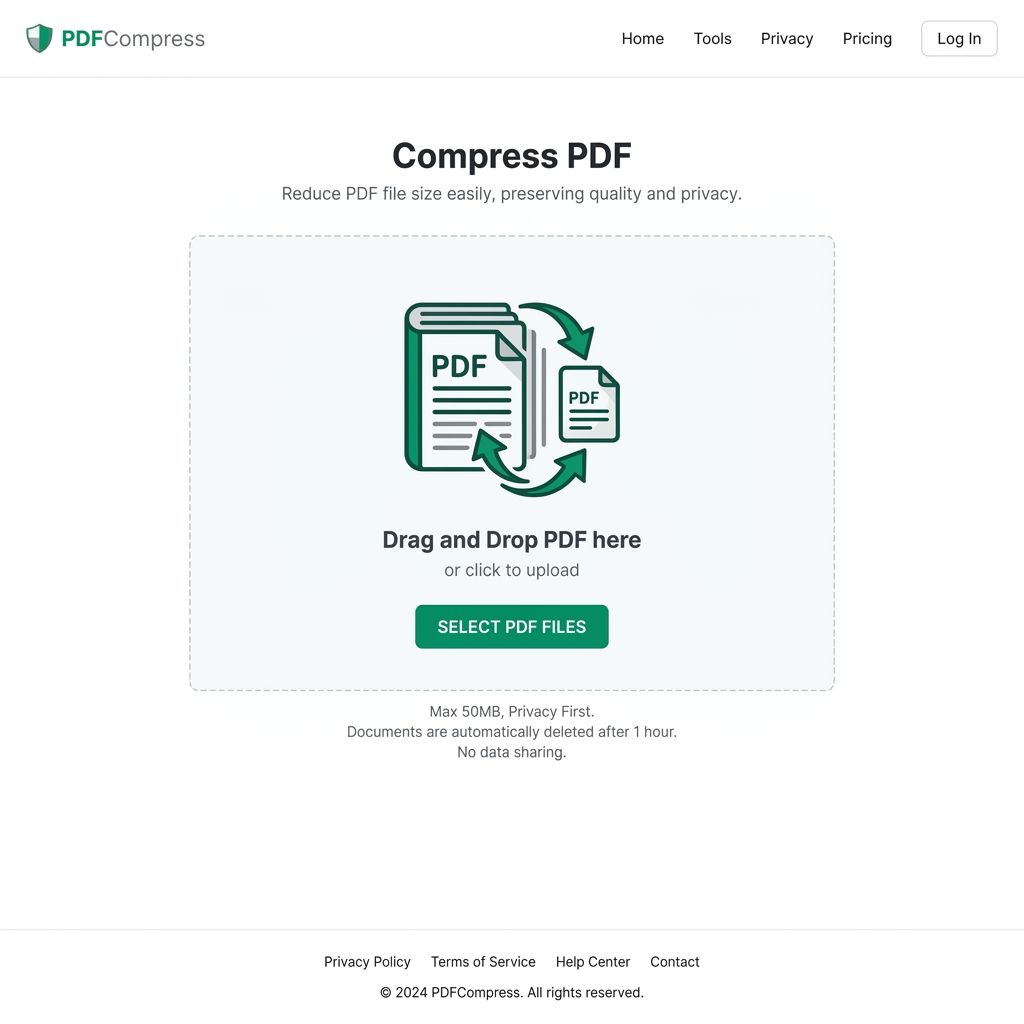
The sleek compression interface offering ultimate control.
I dropped my 85MB presentation into the tool. PDFRego presented me with three clear options for compression levels: Extreme (smallest file, lower quality), Recommended (good balance), and Less Compression (highest quality, larger file).
Testing the Limits
Since I needed it under 25MB, I chose the 'Recommended' setting first. I clicked compress. The progress indicator hummed along, and within about 15 seconds, it was done.
The result screen showed me the stats: Original Size: 85MB. New Size: 18MB. Total savings: 78%.
But the real test was opening the file. I opened the new 18MB file side-by-side with my 85MB original. I zoomed in on the company logo. I checked the small text in the footnotes. I scrutinized the full-page photographs.
I couldn't tell the difference. Seriously. Unless I zoomed in to 400%, the images looked identical. The text remained crisp because PDFRego smart-compressed the images while leaving vector text completely intact. It didn't just flatten the document like a cheap image converter; it selectively optimized the internal assets.
Why I Stopped Paying for Premium Software
For years, I paid a hefty monthly subscription for a famous desktop PDF editor, primarily for its optimization feature. I thought I needed a heavy desktop application to do professional-grade compression. PDFRego proved me wrong.
Not only does it compress files flawlessly, but it does so with incredible speed and absolute privacy. My unreleased marketing materials never touched a public server. I sent the email, landed the client, and immediately canceled my expensive desktop software subscription.
If you are struggling with email attachment limits or website upload restrictions, you need to bookmark this tool immediately. It will save you time, money, and a lot of headaches.