The Secret to Splitting Massive PDFs Safely Without Uploading to the Cloud

Have you ever been sent a 1,000-page PDF document when all you needed was page 42? If you work in research, law, or academia, you know this pain all too well. I was recently digging through a massive archive of historical legal transcripts for a case study. The file was nearly 2 gigabytes in size. Every time I tried to scroll, my PDF viewer would freeze, stutter, and occasionally crash altogether.
I needed to extract a specific 15-page testimony from the middle of this monstrous file. I couldn't email the 2GB file to anyone, and I certainly couldn't print it. I needed a PDF splitter. But here is the problem with 2GB files: you can't just upload them to any online tool. Most free tools have a 50MB limit. The ones that don't take hours to upload, only to fail at 99%.
I was desperate. I searched for 'Split large PDF offline' but didn't want to install sketchy freeware that comes bundled with browser toolbars and malware.
The Solution That Blew My Mind
I remembered PDFRego from a previous project. I knew their Merge tool worked locally, but could their Split tool handle a 2GB file directly in the browser without crashing?
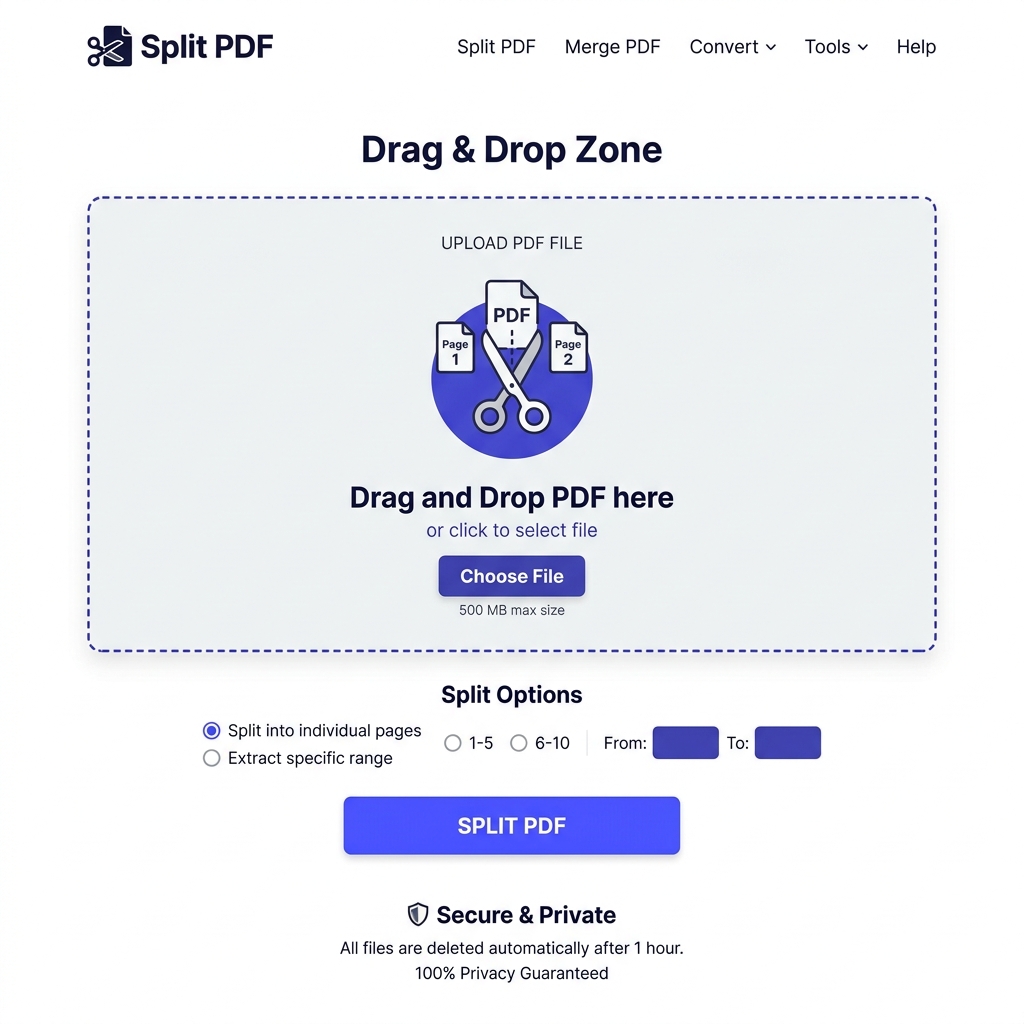
The beautiful, intuitive interface of the Split PDF tool.
I opened the Split PDF tool on PDFRego. The interface was just as clean and inviting as I remembered. I dragged my massive 2GB transcript file into the browser. I braced myself for the browser tab to crash. But it didn't. Because the file isn't being uploaded over a network, the browser just mapped the file into local memory.
Precision Extraction in Seconds
The interface provided several options: Split by range, extract all pages, or select specific pages. Here is how I extracted my 15 pages:
- Select Range Mode: I chose the 'Select Range' option because I knew the testimony started on page 412 and ended on page 426.
- Visual Confirmation: The tool actually rendered tiny, fast-loading thumbnails of those specific pages so I could visually confirm I was cutting at the right spot.
- The Magic Cut: I hit the 'Split PDF' button. Processing a 2GB file should take time, right? Wrong. Because it was doing a direct binary slice in my browser memory, the new 15-page document was generated and downloaded in roughly 4 seconds.
I sat there staring at my screen. A task that usually involved downloading heavy software, waiting for installations, and dealing with clunky interfaces was solved in under a minute on a web page.
The Power of Privacy-First
I cannot stress enough how important the privacy aspect is here. Court transcripts often contain sensitive personal information. Uploading a 2GB file of unredacted legal documents to an unknown server is a massive risk. With PDFRego, I had absolute peace of mind. The data never left my local machine.
Whether you are pulling a single invoice out of a monthly billing report, extracting a specific chapter from an eBook, or dealing with massive corporate archives, PDFRego's Split tool is the undisputed king of web-based PDF management.